
Continuity / field guide
What should still work when the EHR does not?
Map the first 15 minutes, patient identification, paper workflows, vendor escalation, and safe reconciliation before the disruption starts.
Build the downtime plan
Healthcare IT decision library
Plan for EHR downtime, secure Microsoft 365, or prepare a new office. Find checklists and practical steps for the technology decisions your practice faces.
Educational guidance—not legal advice or a substitute for reviewing your practice’s systems, vendors, and workflows.

Three useful starting points
These guides turn a broad IT concern into a sequence your practice can discuss, assign, test, and document.
Map the first 15 minutes, patient identification, paper workflows, vendor escalation, and safe reconciliation before the disruption starts.
Build the downtime plan
Identity / checklist
Move from MFA and admin roles to shared mailboxes, devices, and recovery.
Open the security checklist
Growth / launch plan
Coordinate connectivity, phones, devices, vendors, and opening-day tests.
Plan the office launchThe complete library
Choose a topic, then open the checklist or planning guide that matches your next task.
Reduce exposure around identities, inboxes, vendors, forms, and the safeguards a practice should be able to explain and verify.
Review identity, administrative access, mailboxes, devices, sharing, and recovery.
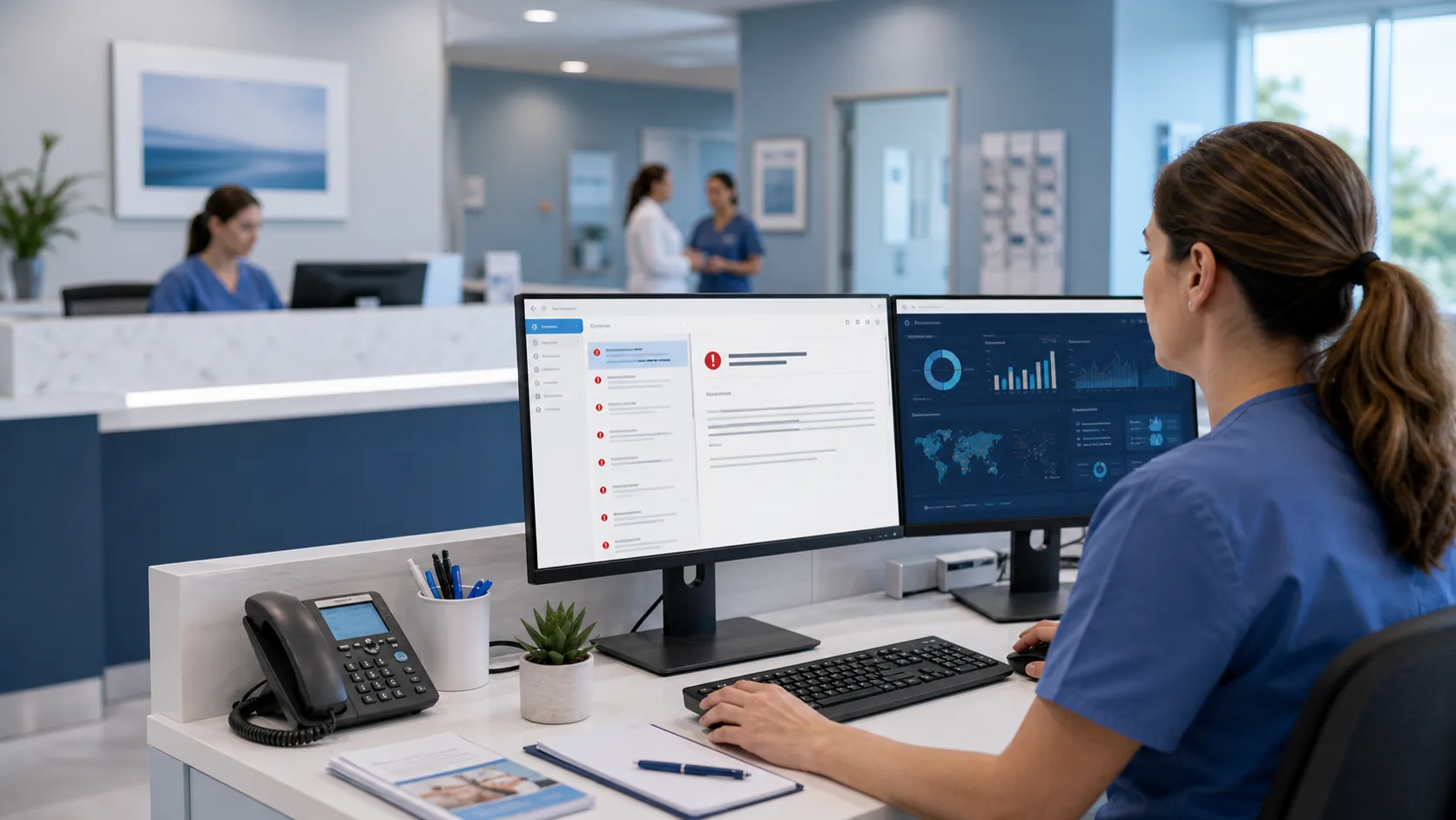
See how phishing travels through an office and where layered controls interrupt it.
Clarify encryption, access, retention, mobile use, BAAs, and staff workflow boundaries.

Turn broad safeguards into practical access, backup, vendor, and evidence checks.

Track who connects, what they can reach, approval paths, evidence, and offboarding.
Prepare for interruptions with a recovery order that reflects schedules, patient communication, clinical systems, imaging, and vendor dependencies.
Define first actions, paper operations, vendor escalation, and reconciliation.

Map containment, communication, backup evidence, restore priorities, and decisions.

Review DICOM flow, retention, retrieval, capacity, backup, and vendor boundaries.
Make purchases, launches, and patient-facing workflow changes with a clearer view of cost, ownership, data handling, and go-live risk.
Sequence internet, cabling, Wi-Fi, phones, devices, vendors, and go-live tests.
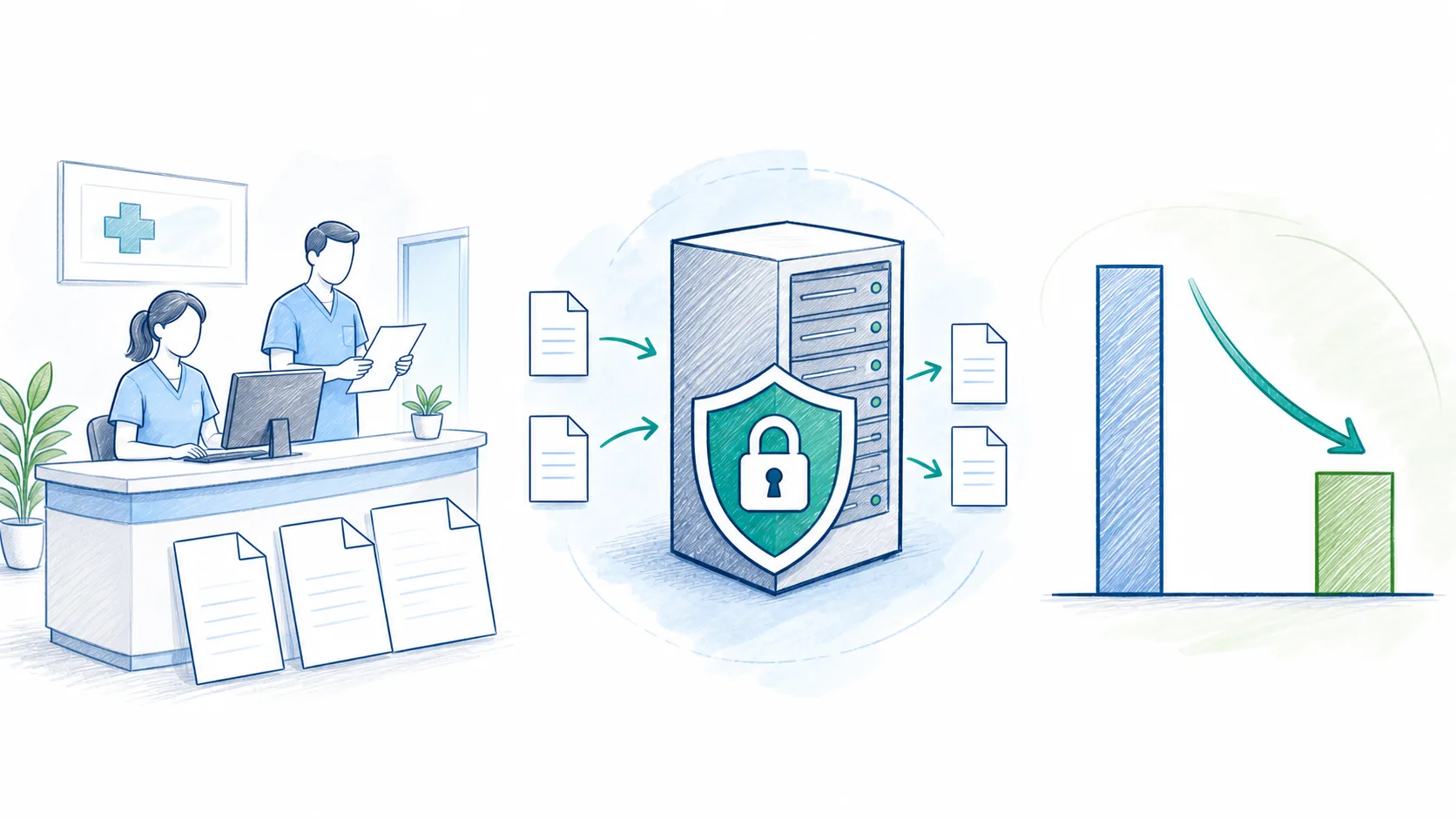
Compare licensing, workflow fit, control, support, and long-term operating cost.

Trace patient data paths, vendor handling, permissions, retention, and safer options.
From reading to review
Choose the service route that matches what you found. HealthDesk IT can review the environment, document boundaries, and define a workable next step.
A scoped next step
Those three facts help determine whether a focused review makes sense—and which systems, vendors, and workflows need review.