HIPAA-focused IT & Security BAA Available
Virtual Visit Workflow Support

Telehealth & Telemedicine Setup for Medical Practices

Make virtual visits work better in real life with stronger patient join experience, provider workflow, scheduling coordination, room and device setup, and cleaner rollout support across the office.

Virtual visit workflows Patient join experience Provider rollout

Best Fit For

Medical practices launching telehealth, fixing low adoption, or tightening the workflow around virtual visits and patient communication.

Not This If

Your main need is broader EHR migration and interface work or earlier planning before the practice has chosen how telehealth should fit the larger workflow.

Related Paths

For EHR-heavy changeovers, see EHR integration. For broader planning before rollout, see healthcare IT consulting.

When this page fits

Telehealth projects usually fail in workflow, not just in software

A platform can be technically available and still frustrate staff, confuse patients, and disrupt scheduling if the virtual visit process was never set up around how the practice actually works.

Launching virtual visits

A practice wants telehealth available but still needs the workflow, scheduling steps, device setup, and patient-side expectations built correctly.

Cleaning up low adoption

Providers, front desk staff, or patients are avoiding the platform because joining, scheduling, charting, or troubleshooting feels too inconsistent.

Supporting hybrid care workflows

The office needs virtual visits to work alongside in-person scheduling, remote providers, existing phones, reminders, and EHR-related steps.

What this telehealth page covers

The focus is virtual visit operations and rollout, not broad “digital transformation” language.

Platform setup

Get the virtual visit platform configured for the office instead of leaving staff to figure it out mid-rollout.

Scheduling coordination

Make sure appointment flow, visit links, reminders, and front desk handling work as expected.

Provider and staff workflow

Support the actual step-by-step experience for providers, assistants, and schedulers before and after the visit.

Patient join experience

Reduce failed joins, confusion, and repeated troubleshooting by making patient access simpler and more predictable.

Where telehealth projects usually break down

These issues tend to cost practices more trust and staff time than the software vendor originally suggests.

Patients cannot join cleanly

The process is too complicated, links are unclear, or staff are spending too much visit time troubleshooting basic access.

Scheduling and charting are disconnected

The office is forcing manual workarounds because the virtual visit flow never got aligned with the rest of the day.

Providers all use different steps

Without a consistent workflow, training gaps stay hidden and every visit depends on who happens to be working.

Office-side device and room issues keep showing up

Camera, audio, browser, network, and room setup problems make the platform feel unreliable even when the core software is fine.

Related services if your need is broader

This page centers on telehealth workflow setup and rollout. If the practice needs broader EHR migration or interface work, that belongs more on EHR integration. If the office needs broader planning before a major change, that is closer to healthcare IT consulting.

Real office context

Virtual visits still depend on real staff coordination

Telehealth works better when the front desk, provider, room setup, patient instructions, and follow-up steps all support the visit instead of leaving staff to improvise.

Patient join confidence

Simple visit access, cleaner reminders, and fewer support calls before the appointment starts.

Provider-side consistency

The same working process across rooms, schedules, and staff handoffs during live patient hours.
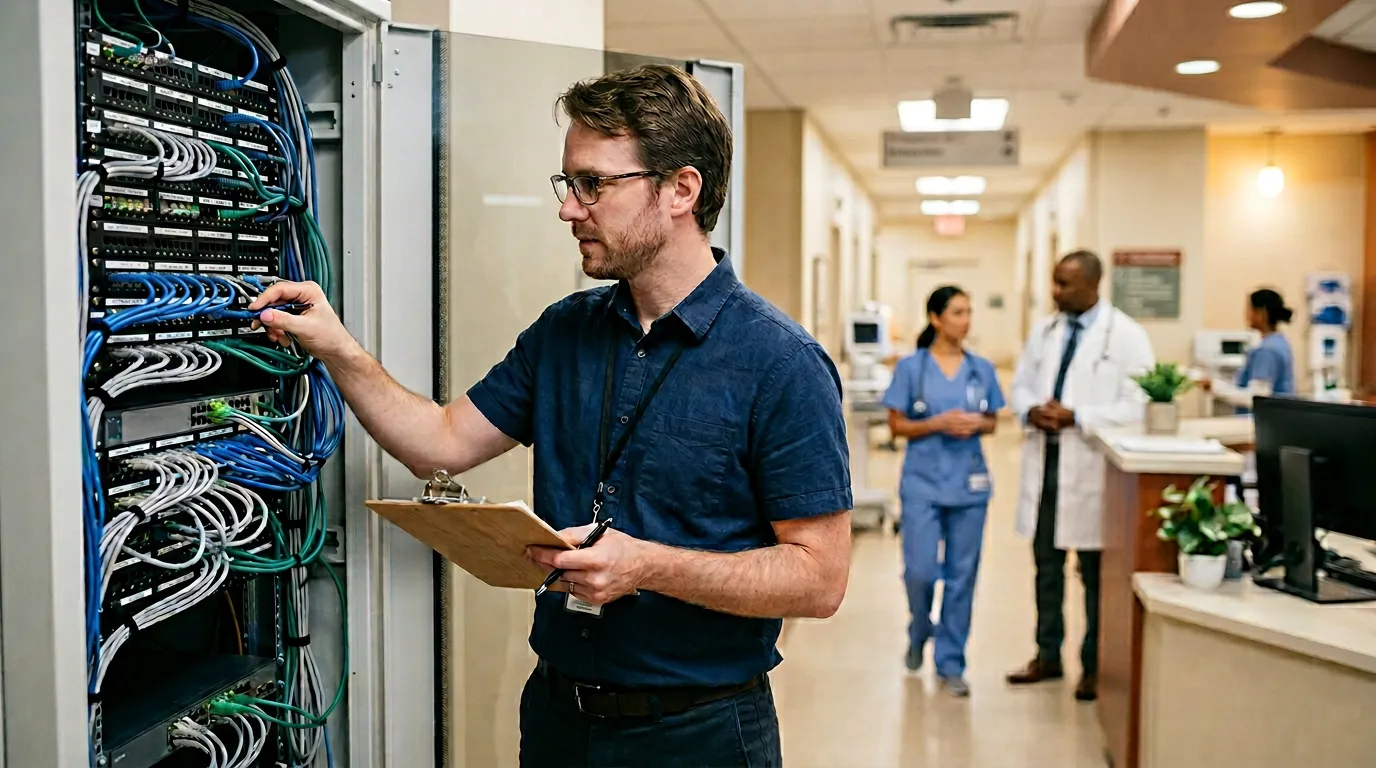
Healthcare staff reviewing patient workflow and onboarding steps in a clinical office

Workflow matters

Telehealth performs better when patient instructions, staff steps, and live office operations are set up together.

Frequently asked questions about telehealth setup

Useful for practices trying to make virtual care workable for both patients and staff.

When is telehealth setup the right project?

Usually when a practice is launching virtual visits, replacing a platform staff dislike, or trying to clean up the workflow around scheduling, joining, charting, and office-side support.

Can telehealth work with our existing EHR or scheduling system?

Often yes, but the real issue is whether the workflow is coordinated well enough for staff to use it consistently and for patients to move through it smoothly.

What usually goes wrong with telehealth rollouts?

Patient join friction, disconnected scheduling steps, inconsistent provider behavior, and weak device or room setup are some of the most common breakdowns.

Do you help after launch?

Yes. We can help with workflow cleanup, office-side troubleshooting, provider support, and follow-through after the platform is technically live.

Need virtual visits to work better in the real office?

We can review your current telehealth process, patient join issues, staff steps, and provider workflow so the practice gets a more usable setup.

Call Get Review