Clinical apps and databases
Protect EMR support systems, databases, Azure-hosted apps, and the systems that stop patient flow first when downtime starts.
We build the backup and disaster recovery plan around the real data your practice creates, not just a few products. That can include EMR databases, PACS and DICOM, surgical or procedure video, Microsoft 365 mailboxes, shared files, scanned records, and the documented restore order your team needs when ransomware hits, storage fills up, or the office goes offline.
This service is for practice owners and administrators who want a real recovery design around their data types, storage pressure, and retention needs, not a pile of disconnected backup tools.
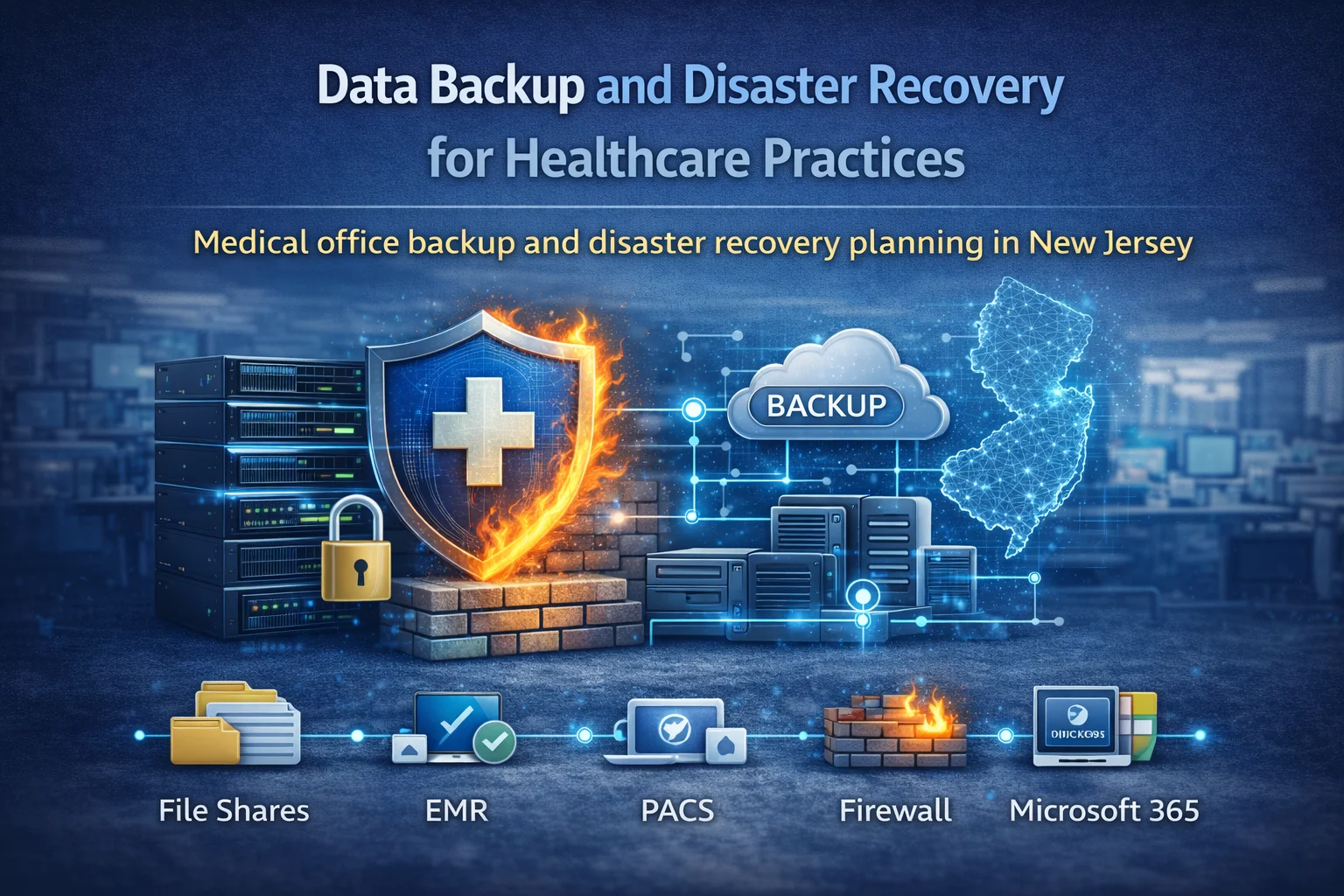
This is not just file backup. We design around the systems, records, archives, and identity paths that keep a medical practice working.
Protect EMR support systems, databases, Azure-hosted apps, and the systems that stop patient flow first when downtime starts.
Microsoft 365 mail, office files, shared documents, and storage pressure stay inside the same backup and retention plan.
DICOM studies, imaging retention, archive access, and surgical or procedure video are planned for recovery instead of left on their own.
Entra ID, MFA, and secure access stay part of the restore plan so sign-in does not become the next outage.
Practices rarely have one clean backup target. The risk usually sits across mixed systems, long retention windows, and restore priorities that matter more than raw storage size.
One practice can depend on Azure workloads, Microsoft 365, a vendor-hosted EMR, PACS, scanned intake, shared drives, e-fax records, and old local storage all at the same time.
Imaging, procedure video, mailbox growth, scans, exports, and archive copies can quietly create cost pressure or recovery blind spots long before anyone calls it a backup problem.
In a real incident, the question is not just what was saved. It is what comes back first so staff can sign in, reach the schedule, access records, and keep patient-day work moving.
Most buyers fit one of these two patterns: Microsoft-first recovery across the environment, or Microsoft-led continuity around a vendor-hosted EMR.
Best for practices already running on Azure, Microsoft 365, and Microsoft identity who need one accountable recovery design around the whole environment.
Best for practices whose EMR or healthcare integrations live partly outside Azure, but still need Microsoft to own identity, document retention, archive policy, and recovery readiness.
This diagram explains the practical flow: contain the problem, restore access, recover priority systems, and confirm the practice is operational again.
The team identifies ransomware, failed systems, or a site event that affects operations.
Admin access and risky sign-ins are checked so recovery does not widen the incident.
Remote access, devices, and affected systems are isolated where needed.
The documented recovery path starts instead of ad hoc decisions.
Identity must be stable so users can sign in again in a controlled way.
Emergency recovery should not mean weaker authentication.
Secure remote access matters when the office or server room is unavailable.
The right people regain the right access in the right order.
Servers, hosted apps, EMR support systems, and business-critical data come back according to priority.
Mail, shared files, scanned documents, and office workflow are restored around the clinical work path.
DICOM archive, image access, procedure video, and retention-backed data are restored where needed.
EMR vendors and healthcare integrations reconnect once the core path is stable.
Front desk and patient communication are checked against real workflow, not just system status.
Providers can reach the systems and documents they need for patient-day work.
Recovery is treated as complete only after people, data, and workflows behave normally.
The incident, lessons, and follow-up improvements feed back into the plan.
The authority here comes from practical Microsoft and healthcare delivery work for New Jersey medical practices, not vague cloud claims or generic backup branding.
This page is based on real delivery experience standing up healthcare workloads in Microsoft cloud, not recycled MSP backup copy.
Identity, MFA, conditional access, and secure sign-in are treated as part of recovery because they have already been implemented in practice.
Imaging retention, archive policy, and lifecycle control have already been built with Microsoft healthcare tooling where storage growth actually matters.
When the EMR or medical integration uses Google healthcare APIs, the Microsoft control layer can still be designed cleanly around identity, records, and recovery ownership.
The service makes more sense when the buyer can point to the exact event that would disrupt the practice.
Recovery depends on clean restore points, controlled identity, and a sequence that does not put the same risk back into production.
EMR support systems, files, and critical business apps need clear recovery priorities and realistic fallback expectations.
Full mailboxes, Microsoft 365 storage pressure, archive sprawl, and shared-drive growth still need a controlled path before they turn into continuity and retention problems.
Power, internet, flood, or building access issues should still leave the practice with a documented path back to cloud-based operations.
These answers make the scope clear so the page reads like a real service, not a vague cloud promise.
Azure backup design, disaster recovery planning, restore documentation, Entra ID recovery control, Microsoft 365 retention, mailbox-capacity planning, archive continuity, and backup design for the real data your practice depends on.
That depends on the environment, but the point of the service is to remove ambiguity before an incident. The runbook, restore order, and access path are already defined so the team can start cleanly instead of figuring it out during the outage.
Yes. Even when the EMR itself is cloud-hosted, the practice still depends on Microsoft 365, files, identity, archive workflows, devices, remote access, and the broader operational recovery path.
Yes. Vendor coordination is part of the recovery picture, especially when the EMR, archive, or cloud integrations sit outside Azure but still depend on Microsoft identity, access, and operational continuity.
We review the systems that matter most, identify what is currently protected, map the likely restore order, and show where Azure, Entra ID, retention, and archive controls should be tightened so the recovery plan becomes real.
Book a recovery review and we will map what has to be protected, what comes back first, where Azure should carry the load, and where mailbox, archive, vendor, or retention gaps still need to be fixed.