Healthcare Cybersecurity: Protecting Patient Data from Cyber Threats
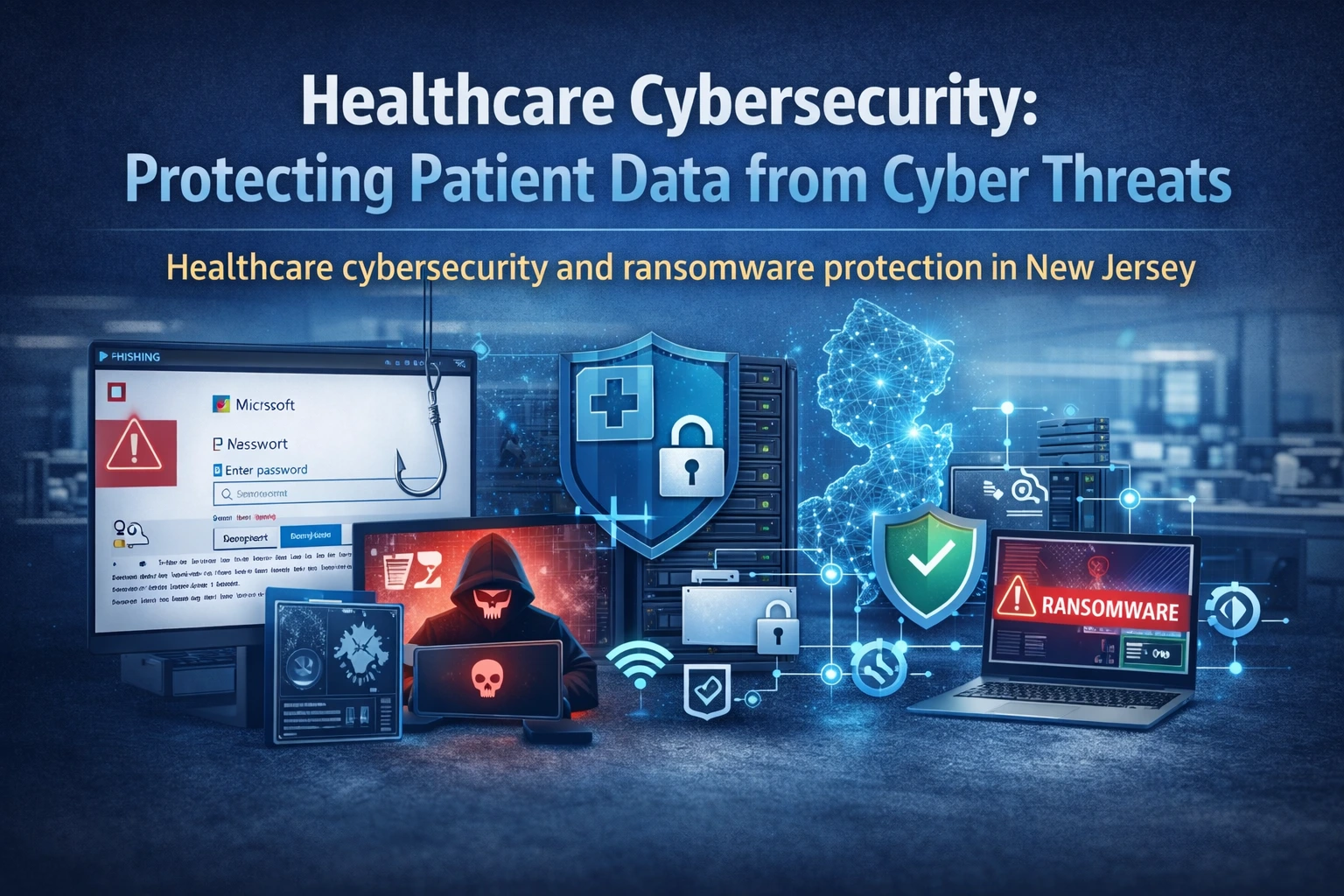
Healthcare data is a prime target, and small practices get hit because defenses are inconsistent. This NJ-focused guide explains the most common attack paths and the controls that most reliably reduce risk without slowing staff down.
The most common attack paths we see
Phishing and credential theft are still the #1 entry point. Attackers do not need fancy exploits if they can steal a password.
Remote access misconfigurations (old vendor accounts, shared VPN credentials, exposed RDP) are also common.
Unpatched endpoints and flat networks allow small problems to become large outages.
- Phishing emails and fake Microsoft login pages
- Password reuse and weak admin boundaries
- Open or poorly secured remote access
- Unpatched OS and third-party apps
- No segmentation: one infection spreads everywhere
A measurable security baseline for a clinic
- MFA everywhere (email, VPN, admin portals)
- Least privilege: staff not running as local admin
- Device encryption for laptops and portable devices
- Endpoint protection + monitoring/alerting
- Patch management with reporting
- Network segmentation and guest isolation
- Immutable backups + restore tests
We usually begin with a HIPAA risk assessment so security work matches compliance priorities.
Ransomware readiness: verify these items
- Backups are immutable and protected by separate credentials
- Restore steps are written and tested (proof exists)
- Firewall logs and sign-in logs are retained and reviewed
- Admin accounts are separate from daily use accounts
- Vendor access is time-limited and logged
- Incident playbook is documented (who does what, when)
Related services: cybersecurity services and managed IT services.
Staff-friendly phishing reduction
Security fails when it becomes a constant annoyance. The practical approach is small habits, reinforced by controls.
Use short monthly examples (2 minutes), enforce MFA, and add safe-link protections in email. Pair training with real technical controls so one mistake does not become a breach.
- MFA reduces damage from stolen passwords
- Mailbox forwarding rules should be monitored
- Disable legacy authentication where possible
- Use device compliance for email access
- Teach staff to verify payment-change requests by phone
Local NJ realities: vendors and small-office constraints
In NJ clinics, third-party vendors are often involved in EMR, imaging, billing, and phones. Each vendor request for access must be controlled.
We standardize vendor access and remove old credentials so the practice is not exposed for years after a vendor relationship ends.
If you want a prioritized fix list, request a quote.
Security checklist (copy/paste)
- MFA for all users and admins
- Separate admin accounts; no shared credentials
- Devices encrypted; screen lock enforced
- Patching cadence with reporting
- Firewall firmware current; VPN hardened
- Guest Wi‑Fi isolated; VLAN segmentation in place
- Backups immutable and restore tested
- Vendor access time-limited and logged
FAQ
Is antivirus enough?
No. Antivirus is one layer. Most incidents start with stolen credentials or remote access. You need identity controls, monitoring, patching, segmentation, and tested backups.
Will this slow down clinicians?
When done correctly, it reduces disruptions. The goal is fewer outages and fewer compromised accounts, not more login pain.
Next step
Want a security plan tailored to your NJ practice? request a quote and we will map quick wins plus longer-term hardening.
Example: what a well-run upgrade looks like
Most successful projects follow the same pattern: discovery, a small pilot or controlled change, documentation, and then phased rollout. This avoids the two common failures we see in clinics: big changes during clinic hours and changes made without a rollback plan.
Local NJ note: We commonly support practices across Princeton, Edison, Woodbridge, East Windsor, and nearby areas. The exact plan depends on your suite layout, vendors, and how much downtime you can tolerate.
What to document and keep
Documentation is not busywork. It is how you prevent the same issue from returning every few months and how you reduce risk when staff changes.
- MFA enforcement status and exceptions
- Firewall/VPN configuration backup
- Endpoint patch compliance reports
- Incident response contacts and steps
- Vendor access list and review dates
Mistakes to avoid
These mistakes usually create outages, security gaps, or endless troubleshooting:
- Using shared admin passwords
- Leaving RDP exposed to the internet
- Ignoring phishing because it "only happens sometimes"
- Turning off alerts because they are noisy
- Not separating guest Wi‑Fi
Helpful next links
Local SEO: how to make this page work for New Jersey searches
To rank locally, your content should consistently mention the service and the geography in a natural way. For this post, that means referencing New Jersey and the areas you serve (for example Princeton, Edison, Woodbridge, East Windsor, and nearby towns) while keeping the copy focused on real clinic problems and solutions.
Practical on-page steps that match what your SEO checker looks for:
- Include the phrase Healthcare cybersecurity in New Jersey in the introduction and at least one H2 section
- Add a short checklist and FAQs (already included here) to increase topical depth
- Add internal links to your service pages and your quote/contact flow
- Add a featured image and use descriptive alt text
- Keep paragraphs short and use bullets for scannability
If you want to turn this post into leads, add a short call-to-action block near the top and another near the bottom, both linking to your quote form. Example: "Need help this week? Request a quote".
Next step: If you want HealthDesk IT to evaluate your current setup and recommend a plan, request a quote or contact us. We can also bundle this service into ongoing managed IT services so the improvements stay consistent over time.
More questions we hear from NJ practices
What is the fastest security win?
Enable MFA for email and admin accounts, then review remote access. Those two steps stop a large share of real-world attacks on small practices.
Do we need a security product for every device?
You need consistent endpoint protection and patching across all devices that access ePHI. Consistency matters more than brand names.
How do we handle third-party vendor access safely?
Use time-limited access, separate vendor accounts, and logging. Remove access immediately when the vendor engagement ends.
Planning and budgeting (what affects cost and timeline)
Clinic technology work is best priced when the scope is clear. Cost and timeline depend on your environment size, vendor complexity, and how much change can happen after-hours.
Common factors:
- Number of users and endpoints that need baseline enforcement
- Email and identity configuration complexity (MFA/Conditional Access)
- Whether you need segmentation or firewall upgrades
- Vendor access and logging requirements
- Training needs for staff
If you want an exact scope for your NJ practice, request a quote and we will propose a phased plan that fits your clinic schedule.

HealthDesk IT
Healthcare IT Expert at HealthDesk IT