Microsoft Intune for Medical Practices in New Jersey: Device Security, BYOD, and HIPAA Alignment
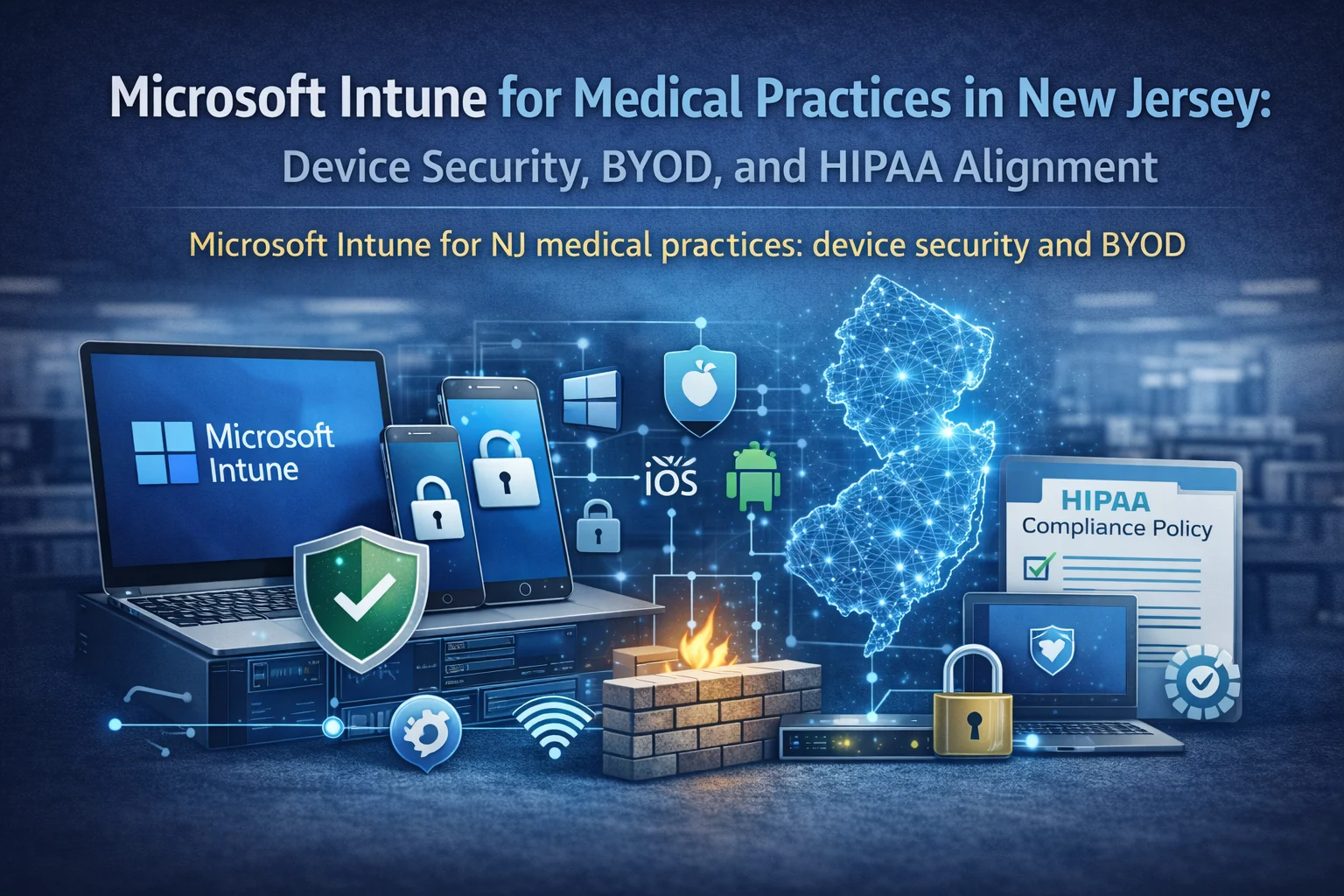
Device security is one of the fastest ways to reduce HIPAA risk. Microsoft Intune gives NJ medical practices a practical way to manage Windows PCs and mobile devices, enforce encryption and update policies, and control access to email and files—especially in BYOD environments.
What Intune solves in small and mid-sized clinics
Without device management, every PC becomes a snowflake: different settings, different patch levels, and inconsistent security. That inconsistency is what leads to breaches and downtime.
Intune helps you standardize security policies, deploy applications, and verify compliance across Windows, iOS, and Android.
- Encrypt devices and enforce screen locks
- Control access to Microsoft 365 with Conditional Access
- Push updates in staged rings to avoid surprises
- Deploy standard apps and configurations
- Reduce risk from lost devices and BYOD
Baseline settings to enable first (fast impact)
- Device compliance: require encryption and supported OS versions
- Conditional Access: block email access from non-compliant devices
- Windows update rings: pilot group then broad rollout
- Endpoint security: Defender baseline + attack surface reduction
- Local admin control: remove local admin and use controlled elevation
Start with a pilot of 2 to 5 users to validate workflows, then expand.
BYOD done safely (without invading privacy)
Many practices want staff to access email and schedules from personal phones. The safe approach is app protection (MAM) and containerization.
This lets you wipe only the work data if a device is lost, without touching personal photos and apps.
- App protection policies for Outlook/Teams/OneDrive
- Disable copy/paste to unmanaged apps where appropriate
- Require PIN and block rooted/jailbroken devices
- Remote wipe of work container only
Common rollout mistakes and how to avoid them
- All-at-once enforcement: pilot first and communicate changes
- No exception path: define approvals for special clinical devices
- Ignoring shared stations: plan kiosk/shared device mode where needed
- Not documenting: write down baselines and change history
We often align Intune work with a HIPAA risk assessment so device policies match compliance priorities.
Implementation roadmap (30–60 days)
- Discovery: device inventory and user groups
- Pilot: enroll a small group, validate access and printing
- Security baseline: encryption, lock, Defender, update rings
- Conditional Access: enforce compliant devices for email
- BYOD policies: MAM/app protection rollout
- Operational handoff: documentation + onboarding checklist
If you want us to deploy this with minimal disruption, request a quote.
Internal links that your checker will reward
Intune checklist (copy/paste)
- All devices inventoried and enrolled (or phased plan exists)
- Encryption enforced for laptops and mobile devices
- Conditional Access blocks non-compliant device sign-ins
- Update rings configured with pilot + broad rollout
- Endpoint security baseline applied
- BYOD app protection policies enabled
- Onboarding/offboarding documented
FAQ
Do we need Intune if we have 10–20 computers?
Yes. That size is where drift is hardest. Intune enforces baselines so the environment stays consistent.
Will Intune slow down devices?
Not when configured correctly. It usually improves stability by keeping updates and security settings consistent.
Next step
If you want Intune set up quickly and safely, request a quote and we will propose a phased rollout for your NJ office.
Example: what a well-run upgrade looks like
Most successful projects follow the same pattern: discovery, a small pilot or controlled change, documentation, and then phased rollout. This avoids the two common failures we see in clinics: big changes during clinic hours and changes made without a rollback plan.
Local NJ note: We commonly support practices across Princeton, Edison, Woodbridge, East Windsor, and nearby areas. The exact plan depends on your suite layout, vendors, and how much downtime you can tolerate.
What to document and keep
Documentation is not busywork. It is how you prevent the same issue from returning every few months and how you reduce risk when staff changes.
- Device enrollment status by user/group
- Policy baseline and change history
- Update ring compliance reports
- Conditional Access exceptions log
- Onboarding/offboarding checklist
Mistakes to avoid
These mistakes usually create outages, security gaps, or endless troubleshooting:
- Enforcing strict policies on day one
- No pilot group
- No plan for shared/kiosk devices
- Not aligning device policy with workflow
- Not documenting exceptions
Helpful next links
Local SEO: how to make this page work for New Jersey searches
To rank locally, your content should consistently mention the service and the geography in a natural way. For this post, that means referencing New Jersey and the areas you serve (for example Princeton, Edison, Woodbridge, East Windsor, and nearby towns) while keeping the copy focused on real clinic problems and solutions.
Practical on-page steps that match what your SEO checker looks for:
- Include the phrase Microsoft Intune in New Jersey in the introduction and at least one H2 section
- Add a short checklist and FAQs (already included here) to increase topical depth
- Add internal links to your service pages and your quote/contact flow
- Add a featured image and use descriptive alt text
- Keep paragraphs short and use bullets for scannability
If you want to turn this post into leads, add a short call-to-action block near the top and another near the bottom, both linking to your quote form. Example: "Need help this week? Request a quote".
Next step: If you want HealthDesk IT to evaluate your current setup and recommend a plan, request a quote or contact us. We can also bundle this service into ongoing managed IT services so the improvements stay consistent over time.
More questions we hear from NJ practices
What if some devices cannot be enrolled?
We plan exceptions and remediation. Some legacy devices require special handling or network isolation. The goal is still to reduce risk, not to force a perfect picture on day one.
Do we need Conditional Access?
If you use Microsoft 365, Conditional Access is one of the strongest controls. It ensures only compliant devices can access email and files.
How do we handle shared front desk PCs?
We can use shared device mode or kiosk configurations and still enforce security baselines. The policy needs to match workflow.

HealthDesk IT
Healthcare IT Expert at HealthDesk IT