Managed IT Support for Healthcare: Benefits and Best Practices
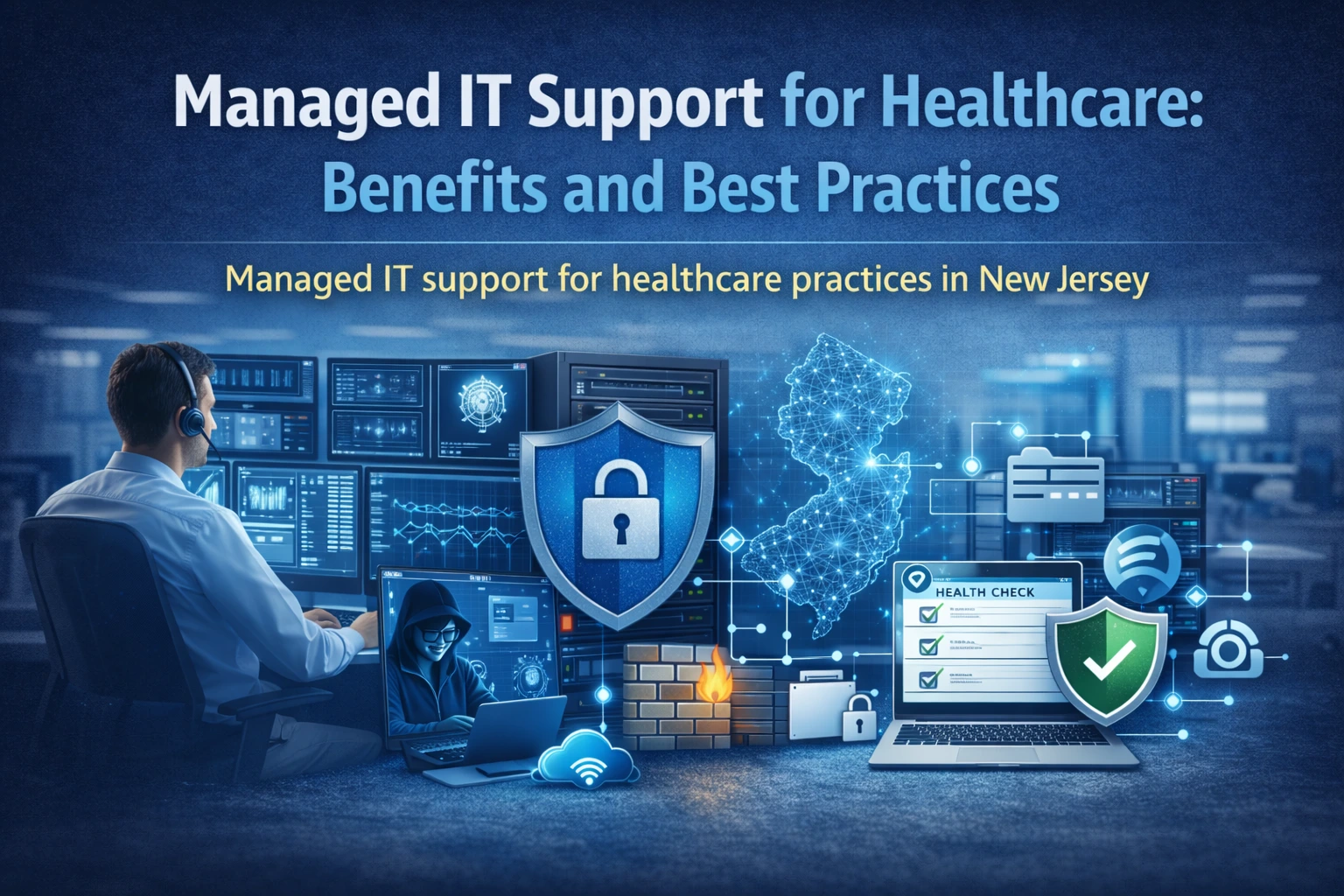

Managed IT support for healthcare should be more than fixing printers when they break. The right plan reduces downtime, improves security, and creates documentation so your practice is not dependent on one person.
What a healthcare-managed IT plan should include
- Proactive monitoring for servers, workstations, backups, and internet health
- Patching with reporting and staged rollouts
- Security baseline: MFA, encryption, endpoint protection, firewall hardening
- Documentation: inventory, diagrams, vendor contacts, recovery steps
- Support: clear response times and escalation
Medical offices have low tolerance for disruption. A managed plan should be built around appointment schedules, compliance needs, and vendor coordination.
The most valuable part is consistency: the same baseline across devices, the same patch cadence, the same onboarding/offboarding process.
How to choose a provider (questions that reveal quality)
- How do you verify backups and prove restores work?
- How do you handle vendor access and remove it when a vendor is done?
- Do you provide documentation we can keep (inventory, diagrams, credentials vault process)?
- What is your security baseline (MFA, encryption, least privilege, logging)?
- How do you support after-hours issues that affect patient care?
If a provider cannot answer clearly, the relationship often becomes reactive and expensive.
Monthly routine that keeps clinics stable
- Review patch compliance and address failed updates
- Confirm backups succeeded and run a small restore test
- Review new accounts; disable old staff access
- Review firewall and sign-in alerts
- Check storage capacity for imaging and shared drives
- Update documentation after changes
This routine is part of our managed IT services approach.
Local NJ realities: multi-vendor coordination
NJ practices often coordinate EMR vendors, imaging vendors, and phone providers. Managed IT should include coordination and change management.
We plan changes with a written scope, scheduled window, and rollback steps so the office does not lose a full day to one configuration change.
Start here: request a quote.
Internal links that boost your SEO checker score
Managed IT checklist (copy/paste)
- Onboarding checklist for new hires (accounts, MFA, device enrollment)
- Offboarding checklist (disable access, collect devices, revoke vendor access)
- Monthly patch reporting
- Quarterly restore testing
- Annual risk assessment update
- Documentation updates after any major change
FAQ
Is managed IT only for large clinics?
No. Smaller practices benefit the most because they do not have time to maintain patching, backups, and security consistently.
Will managed IT slow down staff?
Done correctly, it reduces downtime and improves performance. The goal is fewer surprises.
Next step
Want predictable support and fewer disruptions? request a quote for a managed IT plan tailored to your NJ practice.
Example: what a well-run upgrade looks like
Most successful projects follow the same pattern: discovery, a small pilot or controlled change, documentation, and then phased rollout. This avoids the two common failures we see in clinics: big changes during clinic hours and changes made without a rollback plan.
Local NJ note: We commonly support practices across Princeton, Edison, Woodbridge, East Windsor, and nearby areas. The exact plan depends on your suite layout, vendors, and how much downtime you can tolerate.
What to document and keep
Documentation is not busywork. It is how you prevent the same issue from returning every few months and how you reduce risk when staff changes.
- Monthly patch and backup reports
- Ticket/issue log for recurring problems
- Asset inventory and lifecycle dates
- ISP and emergency contacts
- Credential vault process (who can access)
Mistakes to avoid
These mistakes usually create outages, security gaps, or endless troubleshooting:
- Only reacting when things break
- No documented response expectations
- No quarterly restore testing
- No standardized device build
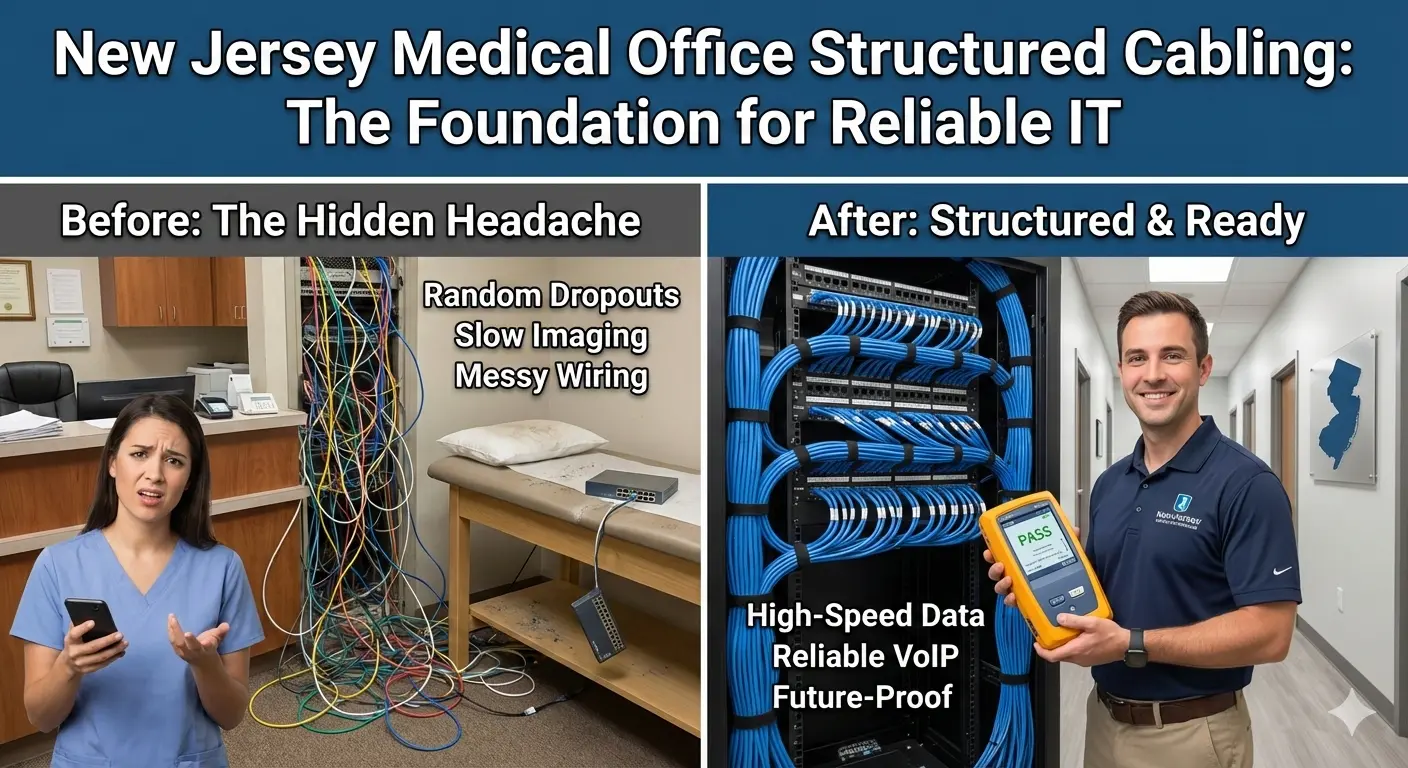
- Allowing unmanaged switches and ad-hoc Wi‑Fi
Helpful next links
Local SEO: how to make this page work for New Jersey searches
To rank locally, your content should consistently mention the service and the geography in a natural way. For this post, that means referencing New Jersey and the areas you serve (for example Princeton, Edison, Woodbridge, East Windsor, and nearby towns) while keeping the copy focused on real clinic problems and solutions.
Practical on-page steps that match what your SEO checker looks for:
- Include the phrase Managed IT support in New Jersey in the introduction and at least one H2 section
- Add a short checklist and FAQs (already included here) to increase topical depth
- Add internal links to your service pages and your quote/contact flow
- Add a featured image and use descriptive alt text
- Keep paragraphs short and use bullets for scannability
If you want to turn this post into leads, add a short call-to-action block near the top and another near the bottom, both linking to your quote form. Example: "Need help this week? Request a quote".
Next step: If you want HealthDesk IT to evaluate your current setup and recommend a plan, request a quote or contact us. We can also bundle this service into ongoing managed IT services so the improvements stay consistent over time.
More questions we hear from NJ practices
Can we keep our current vendors and still use managed IT?
Yes. Managed IT often improves vendor coordination. We document access, schedule change windows, and keep a single point of accountability for troubleshooting.
What happens if an urgent issue occurs during clinic hours?
We prioritize patient-care-impacting issues first and use clear escalation. For planned changes, we schedule after-hours when needed.
How do you measure success?
Fewer recurring issues, fewer outages, faster support response, and better security posture with documented evidence (patch and backup reports).
Planning and budgeting (what affects cost and timeline)
Clinic technology work is best priced when the scope is clear. Cost and timeline depend on your environment size, vendor complexity, and how much change can happen after-hours.
Common factors:
- Endpoint count and locations
- Patch/monitoring tooling already in place or not
- Need for network redesign or cabling cleanup
- After-hours coverage requirements
- Documentation and onboarding process complexity
If you want an exact scope for your NJ practice, request a quote and we will propose a phased plan that fits your clinic schedule.

HealthDesk IT
Healthcare IT Expert at HealthDesk IT